People appear to be in two different camps on the question of "how hard is coding today?". There's a group who keep on the cutting edge of technology (the GraphQL-using, framework-switching bunch who are currently talking up Astro) and those who don't, or cannot, for many, many different reasons.
Inside Maersk Technology, we have lots of communities of practice - like-minded individuals who solve problems with technologies. I run the front-end community and have done for about two years. Over time, we've run regular calls, demonstrations and tech talks to help educate the community and keep us up to date with the latest trends. This time, I wanted to go bigger - to run a half day event where we could get lots of people presenting on the same day.
It's a strange old time. In the middle of lockdown, my wife and I were expecting our second child, though we weren't quite expecting her this early. Two and a bit weeks before her due date, our littlest one arrives and I down tools to help. It's been a wonderful few weeks that I won't forget.
It did catch us all off guard though, as I'd been expecting to be part of a least another week's worth of the tech world, and then there was MS Build after that, and loads more. So, as I still scrolled through Twitter whilst seeing if she'll sleep, here's what I think I've missed in the last three weeks.
Part of my role at the office involves helping teams to code in a standardised way. We enforce this through a wide variety of tools that correct as you write (ESlint) and those that check your work (unit tests, Sonar).
To make life even easier we have a design system to standardise our HTML and CSS, and a common library of components that implement the basics of the design system in VueJS web components. This makes it hard to get the basics wrong.
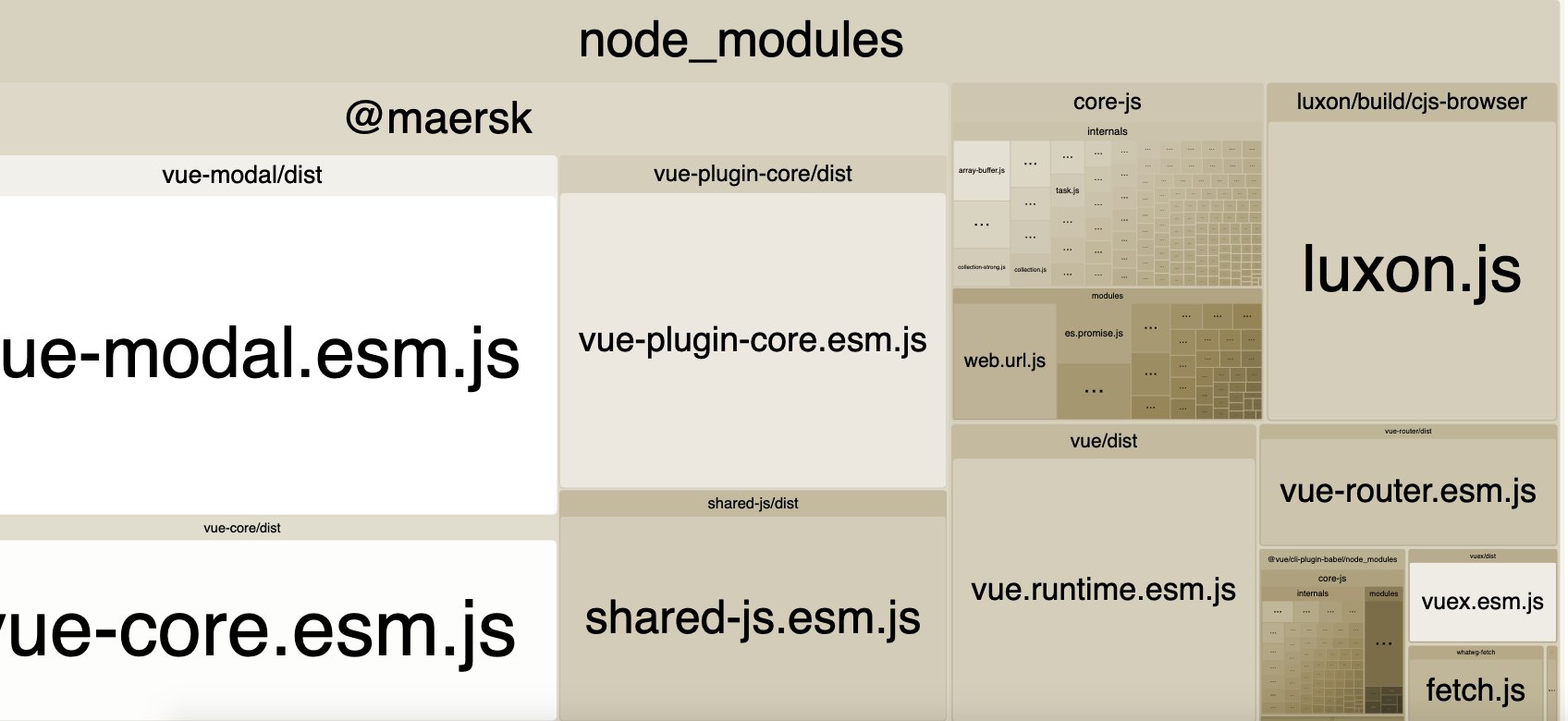
Whilst making a large update to how this library is structured and compiled, I moved the library build process to Rollup. We had previously been publishing untranspiled JavaScript to apps that then had to transpile them themselves to meet our target browser support. This keeps bundle size minimal but can cause interoperability and portability problems, for example, configuring Jest is much harder.
On release day, I did a demo in front of the whole company's VueJS dev community - and the Vue build process reports that my bundle is 2MB for first load - up from 270KB!
💩
So, feeling bad that this has happened, and knowing that developers will start running into this on Monday morning, I start fixing it on Saturday night - I mean, entertainment options are limited right now.
I began interviewing people for jobs about three years in to my career. Over the past decade, I've run hundreds of phone interviews, Skype interviews and in-person interviews. Over time, my approach, and what I look for has changed. I've always relied a lot on gut feel, looking for people similar to those who already work for the company (safe bets) or looking for red flags if a candidate does not stand out, but recently my quesions have changed to focus more on how someone approaches their work, rather than what they know right now.